
01
They cannot picture it at home
Studio shots answer colour and dimensions. They do not answer whether this sofa will swallow the living room.
Built for furniture retailers
This product-page widget is sold to furniture stores. It is not a consumer room-design app.
A phone photo of their space is enough. Your catalog piece appears in that picture in about thirty seconds, using photos you already have. They do not download an AR app.
Install costs £0. Signup includes 50 free room previews. After that, pick Starter (£39 / 80 included), Growth (£69 / 250), or Pro (£99 / 500) — then 10p per extra preview. Enterprise is custom pricing for large catalogs.
Open a free account and paste one snippet — no card. Book a call only if you want hands-on install help.
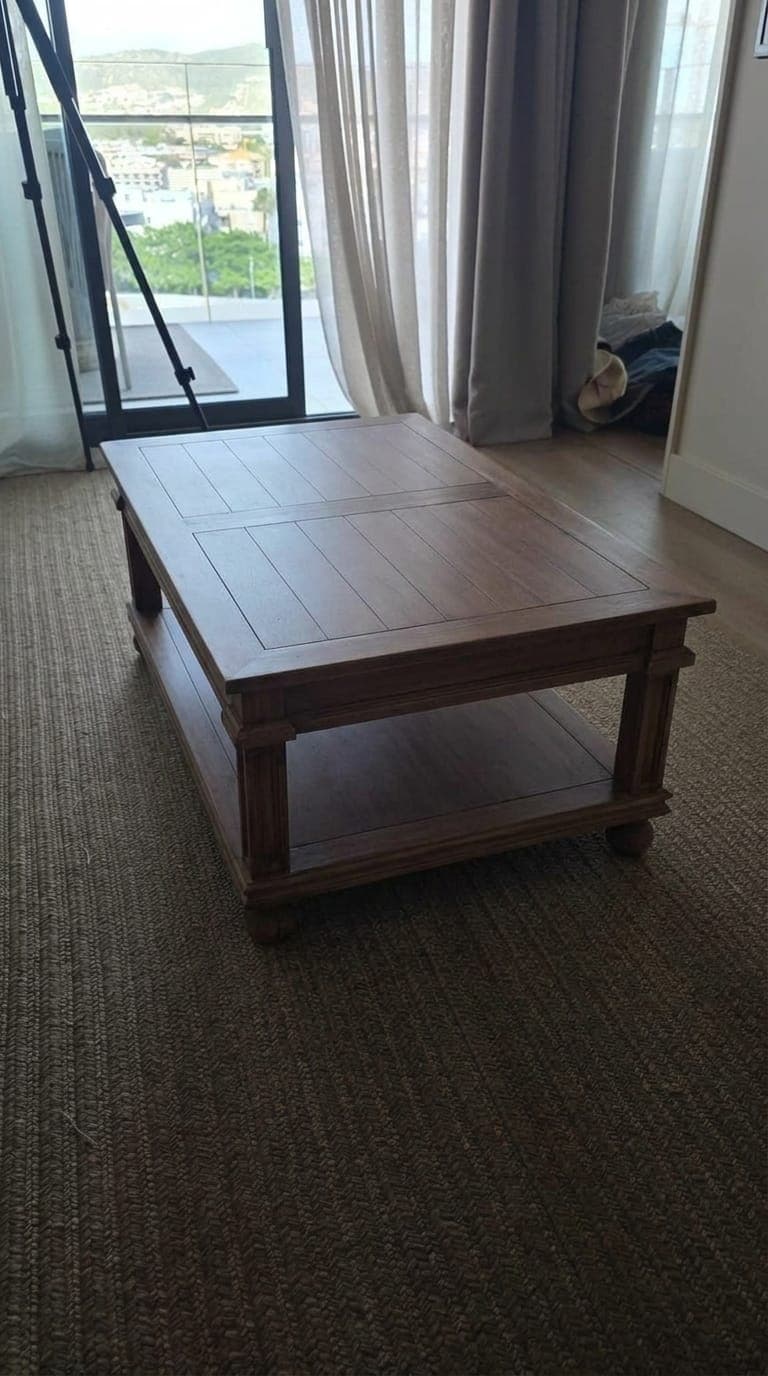
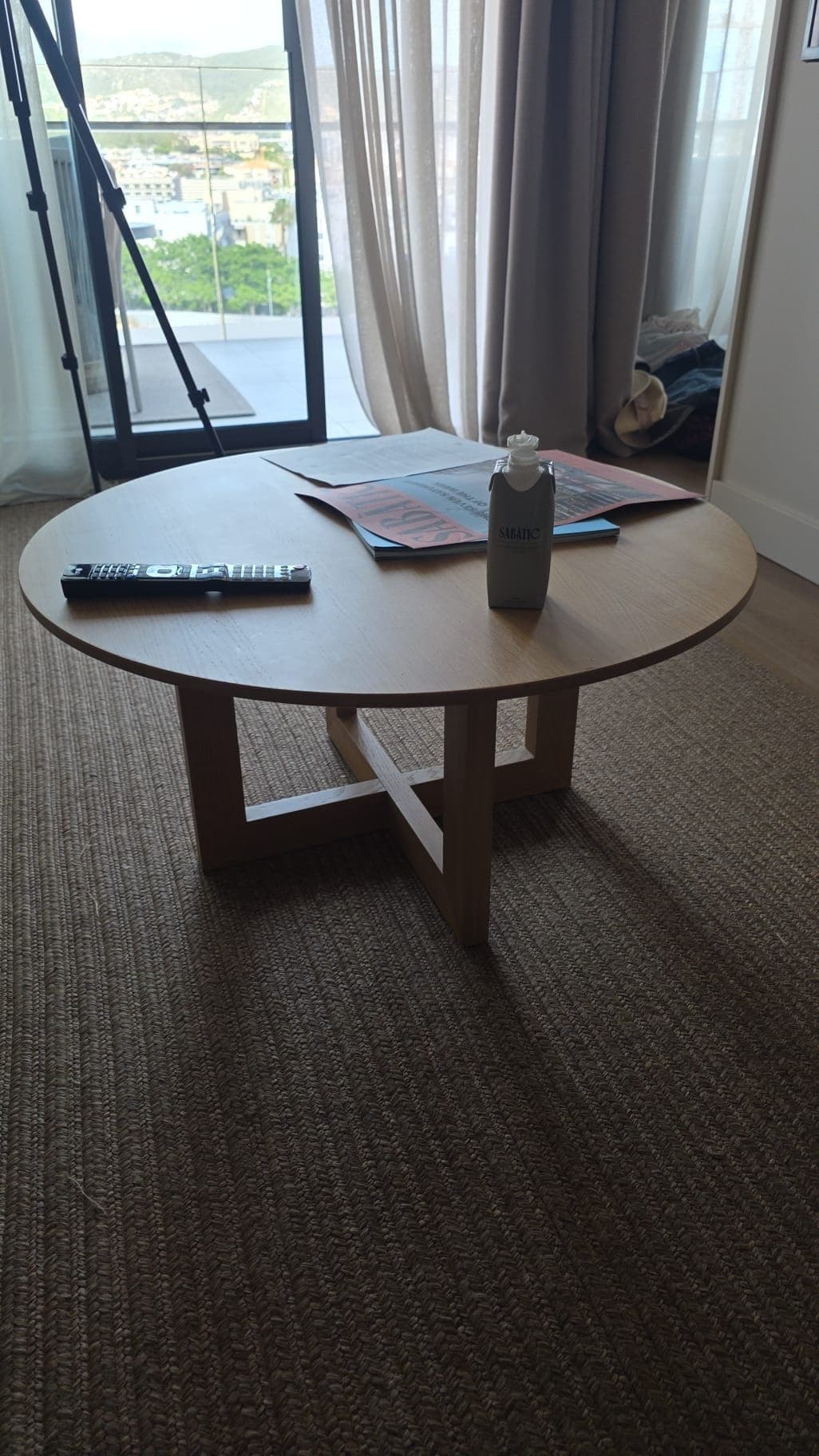
Drag to compare · Coffee table
You are not buying hype about AR. Shoppers get one honest step — their room photo, your product in it — before they commit to delivery.
01
Studio shots answer colour and dimensions. They do not answer whether this sofa will swallow the living room.
02
3D models and camera flows work for hero SKUs. Most teams need something that ships with the JPEGs they already have.
03
After 50 free previews, Starter £39, Growth £69, and Pro £99 each include a monthly pool. Extra finished composites are 10p. Opening the widget does not bill.
Room preview exists because studio shots alone do not clear fit and style doubt. Photo compositing is what we use — not AR — because most catalogs already have product JPEGs and shoppers will not download another app.
Dimensions and swatches already sit on the page. Shoppers still leave because they cannot see your piece against their wall colour and floor space.
Camera apps and 3D libraries are a project. Independent catalogs usually need something shoppers will actually finish on a phone.
New stores get 50 free previews, then Starter £39, Growth £69, or Pro £99 with included gens. Extra previews stay 10p.
Named retailer AR studies live on our retailers page as category context — not as proof we shipped those results. Create free account
One clear button on the product page — the phrase shoppers already search for.
Your piece lands in their space in ~30s. Normal product photos. No 3D models.
The fit question is answered in their own room. A faster yes.
£0 setup. 50 free previews, then Starter / Growth / Pro (£39–£99 / mo with included gens). Extra previews 10p. Enterprise is custom pricing.
If the first attributed sale does not land within 24 hours of your first live preview, preview usage stays free until that sale.
Open a free account and paste one snippet — no card. Book a call only if you want hands-on install help.
Create free account“See it in their room” on your PDPs
A single button sits beside add to cart. Shoppers never leave your site.
50 free room previews
Test it on real traffic, then pick Starter, Growth, or Pro.
One snippet or Shopify app
Most teams get a test product live in under ten minutes.
Optional install help
Stuck on placement? Book a call after signup — it is never required.
See it in your room
£0 setup. 50 free previews, then Starter / Growth / Pro (£39–£99 / mo with included gens). Extra previews 10p. Enterprise is custom pricing.
If the first attributed sale does not land within 24 hours of your first live preview, preview usage stays free until that sale.
Open a free account and paste one snippet — no card. Book a call only if you want hands-on install help.