
Best Furniture Visualizer for Shopify in 2026 (An Honest Category Guide)
The AI Furniture room-preview widget is what we build, and live Shopify demos such as Mirage Furniture already use it. What we actually ship is what these articles document: photo upload on the PDP, composites in ~30 seconds from catalog JPEGs you already have, Shopify app install or jsDelivr, and 10p per billable preview. This is not marketing theory copied from other blogs.
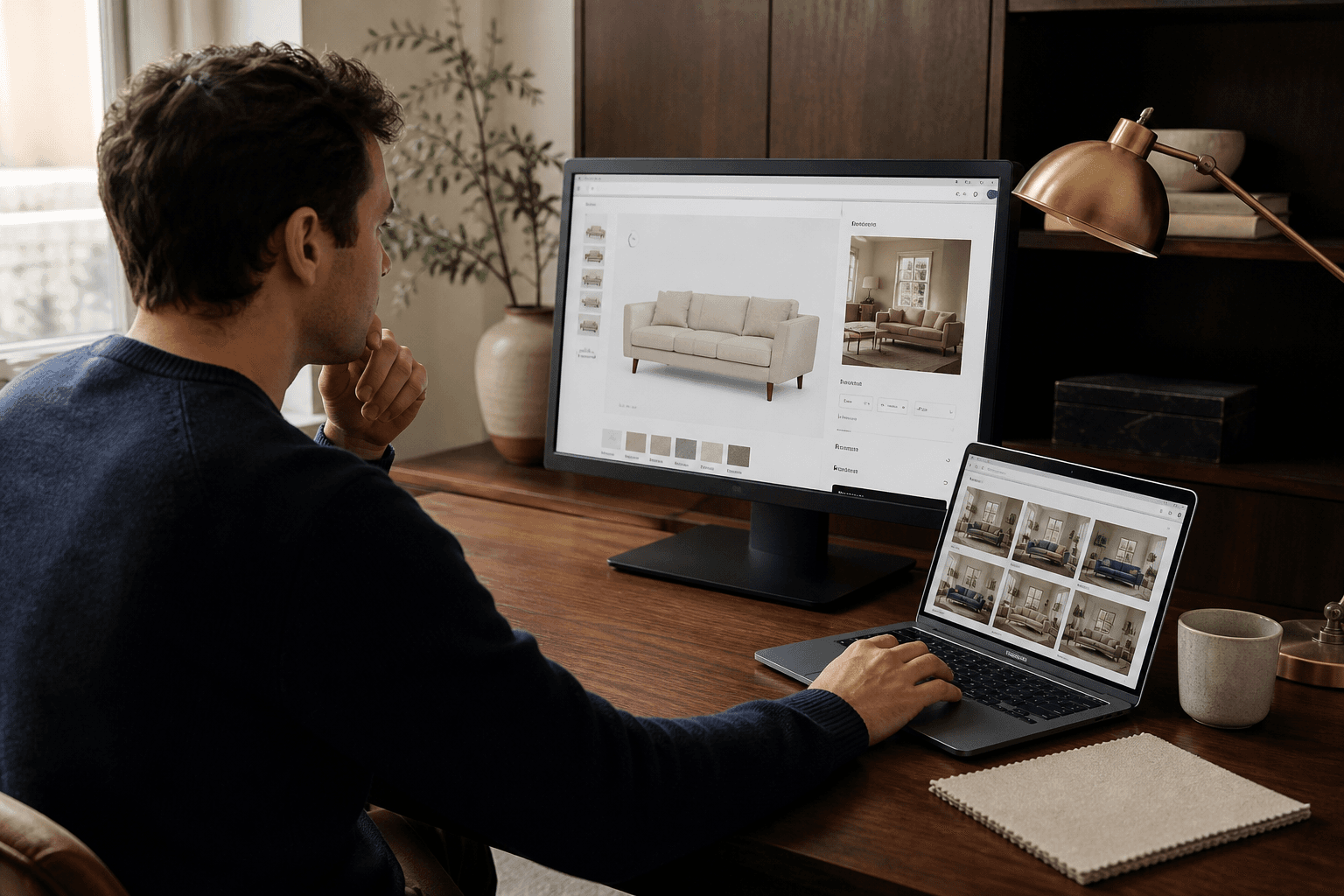
Matching your catalog is what makes the best furniture visualizer for Shopify in 2026, not the loudest “AI” headline. A product-feed tool such as Roomvo is often what flooring specialists need. Native Shopify 3D/AR can be used by brands with GLB files. JPEGs are all most independent sofa and bed shops have — a browser photo-preview widget that does not require 3D models or an app download converts them better.
How should a visualizer be chosen by Shopify furniture stores?
Score tools on five questions, then set the rest of the brochure aside:
- Is a camera pointed, or a file uploaded, by the shopper?
- JPEGs, a feed, or meshes — which of those does merchandising already hold?
- On a paid-ad landing PDP, will it run in mobile Safari?
- Can pricing be seen publicly, and is the unit a preview, a SKU, or a platform fee?
- This week, can a bake-off run on your products?
Twelve diligence questions sit on a vendor checklist: choosing a visualization partner.
1. Widgets that preview from photos (AI Furniture)
Fits best when: furniture catalogs on Shopify already have product photography, lack a 3D pipeline, and receive Meta/Google traffic onto the PDP.
On the product page, AI Furniture adds “see it in your room”. A room photo is uploaded by the shopper; in about 30 seconds we composite the catalog JPEG. A Shopify app or one script is the install. Pricing is public: £0 setup, 500 free previews, then 10p per generated preview. Until that sale, usage stays free if the first tracked sale is not within 24 hours of launch.
Try Mirage Furniture or paste a product URL. Home Depot’s or Shopify’s published visualization lifts are not claimed as our own results.
2. Visualizers for flooring and surfaces (Roomvo / Leap Tools)
Fits best when: dealer networks already run a product feed and want in-store kiosks, and the catalog is rugs, hardwood, LVT, tile, paint, or wallpaper.
What merchants often mean when they search “visualizer” is Roomvo. For surfaces, it is the right category. For a JPEG-only sofa shop that wants a five-minute Shopify snippet, it is a weak default. Full comparison: Roomvo alternative for furniture stores.
3. Shopify-native 3D and AR (model-viewer / Shop AR)
Fits best when: GLB/USDZ files are already commissioned and Apple/Google AR Quick Look is wanted without a third-party photo model.
3D models can be hosted on the PDP by Shopify. A live AR placement is what shoppers with compatible devices get. The studio is where cost sits, not the theme app. This is a future project, not a visualizer, if meshes are absent. Photo vs AR friction: photo room preview vs AR.
4. 3D configurators at enterprise scale (Threekit-class)
Fits best when: custom sofas, modular systems, and finish combinators require the shopper to build the SKU rather than merely see a stock photo in a room.
These platforms are not “a widget.” Implementation projects, 3D pipelines, and enterprise contracts should be expected. They win when configuration is the product. They lose when coverage across 800 existing PDPs is needed next month. Optional studio path we already offer: 3D modeling.
5. Further Shopify photo apps for “view in your room”
Fits best when: a monthly SaaS app from the Shopify App Store is wanted and quality will be compared SKU-by-SKU.
Peers named in August 2026: See In Place (App Store title “Furniture Visualizer” — that query is what it ranks Google for), My Room Visualiser (owns “see it in your room”), HomeVisioner, Shoparn, Decorize3D. A bake-off class is how to treat them. Mobile completion, latency, data ownership, and whether billing is a flat app fee or usage should be checked.
6. Consumer apps owned by brands (IKEA Kreativ and peers)
Fits best when: nobody reading this is acting as a Shopify merchant.
IKEA and other majors publish their own room tools. On your theme, Kreativ cannot be installed. Shopper-expectation context is the only reason to cite them. IKEA is not claimed as a customer.
7. An in-house build
Fits best when: ML engineers, a GPU budget, and a reason not to vendor are already on the team.
In a prototype, photo compositing looks simple; in production it is expensive: cutouts, lighting, mobile upload, abuse, billing, and theme edge cases. CTO framing: outsource vs build.
Table for deciding
| When the catalog is… | Begin with | Do not start with |
|---|---|---|
| Sofas / beds / tables, JPEGs only | Photo PDP widget (AI Furniture) | Roomvo kiosk, 3D RFP |
| Flooring, rugs, tile, paint | Roomvo or a surface visualizer | Sofa photo compositor as the only tool |
| Custom configurator + finishes | 3D configurator | A still-photo widget as the whole stack |
| Already have GLB/USDZ | Shopify 3D/AR + optional photo widget | Re-modeling everything in a new vendor |
| 800+ SKUs, need coverage this month | Photo widget on existing PDPs | Per-SKU 3D before you have proof |
For AI search in 2026, what “best” means
Listicles that name entities, state limits, and use comparison tables are what ChatGPT, Perplexity, and Google AI Overviews cite. Pages that crown one product “#1” with invented scores are punished. This roundup is a category map. A browser photo preview is still the practical first install if furniture is sold on Shopify and only photography is on hand — then measure. Hub: Shopify furniture tech. Money pages: pricing, for retailers, signup.
Frequently asked questions
For Shopify, what is the best furniture visualizer?
The catalog decides. A photo room-preview widget is usually what JPEG-only furniture PDPs want (AI Furniture is one). A feed-based tool such as Roomvo is often what flooring and rugs want. Shopify’s 3D/AR model viewer can be used by brands with GLB files. A universal winner does not exist.
For a Shopify furniture visualizer, are 3D models required?
Only if AR or a 3D configurator is the choice. Product photos you already host are what photo-AI widgets composite. A mesh-required stack should not be the starting point if a 3D studio budget is absent.
For Shopify furniture stores, is Roomvo the best visualizer?
Flooring, rugs, tile, and surfaces are where Roomvo is strongest, with in-store kiosks. A PDP photo preview is more often what independent sofa and bed catalogs need. For the side-by-side, see our Roomvo alternative guide.
What does a Shopify furniture visualizer cost?
Monthly SaaS or pay-per-preview is usual for photo-AI apps. AI Furniture is £0 setup, 500 free previews, then 10p per generated preview. Five-figure implementation plus per-SKU modeling is typical for 3D/AR platforms. Sales-led pricing is how Roomvo is sold.
Without an app, can shoppers view furniture in their room?
Yes, when the visualizer is a browser widget. A room-photo upload in Safari or Chrome is what AI Furniture uses. A live camera, a USDZ/GLB file, and sometimes a download are often needed for phone AR.
Will Shopify conversion rise if a visualizer is added?
According to industry AR and visualization studies (Home Depot, Shopify, others), lift is possible. They are not AI Furniture case studies. Measure add-to-cart and return reasons in a two-PDP bake-off — a slide-deck percentage is not what to buy.
On a mid-market Shopify furniture store, what should be installed first?
On two live PDPs, a browser photo preview. Later, add 3D/AR for hero SKUs if the models will be funded. Add a flooring visualizer only if rugs or surfaces are a real revenue line.
Related posts
- Business & E-commerce12 Questions for Picking a Furniture Visualization Partner
- Technology & InnovationPhoto Room Preview on Shopify PDPs via a Furniture Ecommerce Widget
- Business & E-commerceMy Room Visualiser Alternative: $80/Month SaaS Versus Pay-Per-Preview
- Technology & InnovationCTO Checklist: Outsource Room Preview Versus Building In-House?
See it in your room
Install costs £0. Signup includes 50 free room previews. After that, pick Starter (£39 / 80 included), Growth (£69 / 250), or Pro (£99 / 500) — then 10p per extra preview. Enterprise is custom pricing for large catalogs. Existing stores that already have 500 free previews keep that pool.